

Tips, tricks and tutorials for web development with WordPress
Aimed at beginner, intermediate developers and designers, people with enough curiosity to go a little beyond what the CMS allows.
-

Fixed entries or sticky posts, control them completely
Fixed entries or "sticky posts" are posts in which we have marked the option for them to always be displayed at the beginning of all the lists. It is a useful but very dangerous feature that is often very misunderstood by our customers. The first of all is that this feature of…
-

The importance of !important in your css, for dummies
The most used and sucked CSS add-on instruction. The most controversial and easiest to use. Doesn't that link turn red? Pam! You add a color: red!important and "shell" it. Easy. Fast. Exponentially problematic especially in large projects with more than one "participant". The tortilla, with !important or without !important? I don't know...
-
Easily modify and tinker with your WordPress database without fear
I start with the intro for beginners or foolish users of Elementor and similar: The database of your WordPress is where the posts and pages and all the options of the theme, the plugins and each little box that you fill out and then click on are stored. "keep". The BD (Hey, did you know that in…
-
Create your own block for the Gutenberg editor in minutes with hardly any code
I'm going to teach you how to create your own reusable blocks for the WordPress block editor, with just four clicks and a little bit of html and css. Without JS, PHP or REACT. In a few minutes, Pim pam. And with DEMO! If you have not yet made the leap to using visual editors like Divi, Elementor...
-

Layout a web article with html and css, so that it fits perfectly
In this tutorial, I am going to teach you how to layout an article or post, using HTML and CSS from scratch. We are going to start from the "raw" text, and we are going to format and design it so that it is irresistibly attractive to read. We'll add a couple of illustrations, and reuse some parts to make standout sentences. In…
-

Open links in a new window: Seems harmless, right? Well be careful!
Did you know that something as "silly" as opening links in a new window can be dangerous? Bad actors can take advantage of this functionality to trick users into downloading malware or visiting malicious websites without their knowledge¹. It is important that web developers avoid using links to…
-

Essential Form, the most basic and lightweight contact form plugin for WordPress
Note that in the title of this post, I say contact form plugin, and not "form plugin." You see, I'm sure that like you, on certain occasions, a web project did not require fancy tricks with the forms, because at most a basic contact page had to be implemented. As we are traditionalists and we do not need...
-
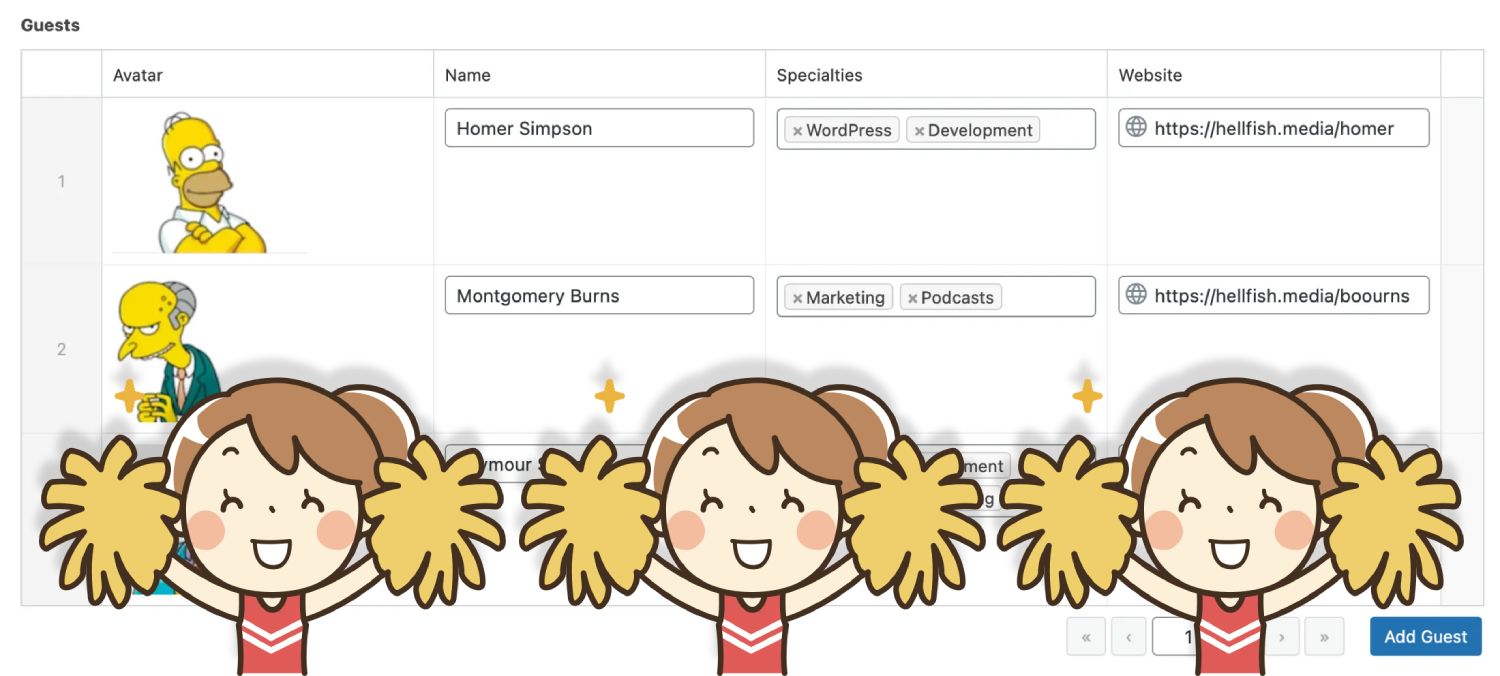
Custom Field Suite: Custom fields with free 100% field repeater
Custom fields in WordPress are a very useful tool for adding additional information to your posts or pages. You can create custom fields for any type of content in WordPress, such as posts, pages, products, or custom content types³. To create custom fields in WordPress, you can do it from editing or creating an entry…
Talk later?